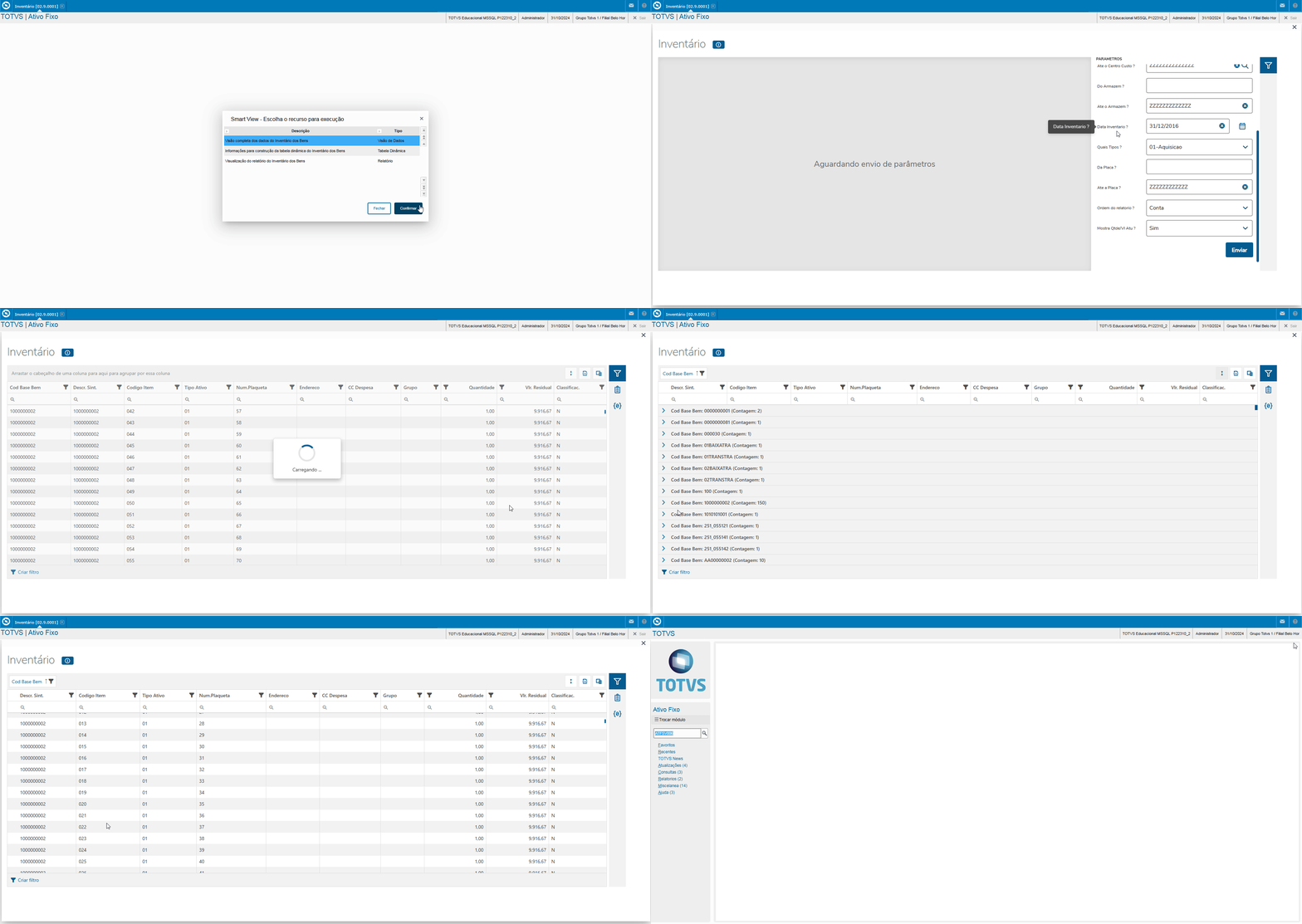
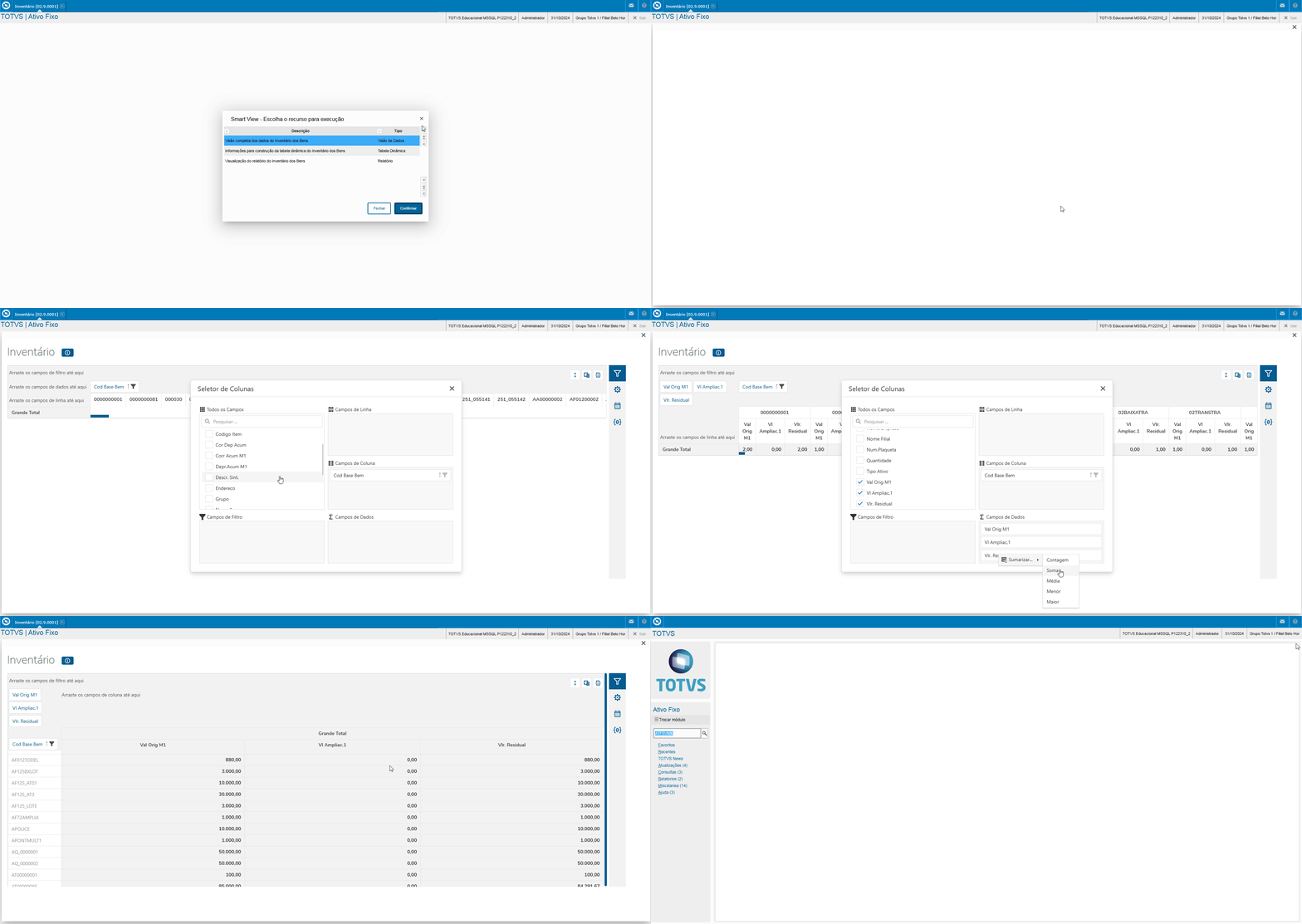
Use this report to display the Inventory of Assets in accordance with parameter settings.
For this report to work, follow the documentation below to configure Smart View in your environment: Smart View - Configuration of the Protheus product integrated with Smart View.
|
Report:
Data View:
Dynamic Table:
Parameters:
|
Name Displayed | Description | Origin |
Registration No. | Registration Number | N1_CHAPA |
Summ. Descr. | Summarized Description | N1_DESCRIC |
Group | Asset Group | N1_GRUPO |
Address | Address | N1_LOCAL |
Classific. | Asset Classification | N1_PATRIM |
Quantity | Quantity | N1_QUANTD |
Extens Val 1 | Extension Value 1 | N3_AMPLIA1 |
Asset Base Code | Base Code of Asset | N3_CBASE |
Expense CC | Expense Cost Center | N3_CCUSTO |
Item Code | Code of Item | N3_ITEM |
Asset Type | Type of Asset | N3_TIPO |
Orig Val C1 | Original Value Currency 1 | N3_VORIG1 |
Accr Corr C1 | Accrued Correction Value Currency 1 | N3_VRCACM1 |
Acc Dep Corr | Accrued Depreciated Correction Value | N3_VRCDA1 |
Accr Depr C1 | Accrued Depreciation Value Currency 1 | N3_VRDACM1 |
Residual Val | Residual Value | System |
Company Name | Logged Company Name | System |
Branch Name | Logged Branch Name | System |
You can run the Inventory of Assets business object through the Protheus menu using the program ATFSV006.